

Note
Go to the end to download the full example code.
Ply-wise strain energy#
This example shows how to implement a custom result using strain energy \(U=\frac{1}{2} \cdot V \cdot \sigma \cdot \epsilon\). The first part computes the total elemental strain energy. The second part performs the same evaluation for a specific ply.
Note
This custom implementation targets layered shell elements and has been tested only with 4-node shell elements. A few simplifications may lead to differences when compared with the native DPF implementation or the Mechanical application. The implementation ignores out-of-plane shear forces and assumes that the area weighting factor is the same for each integration point. For irregular elements, compute the Jacobian determinant for each integration point to get the exact area weighting factor.
Note
When using a Workbench project,
use the get_composite_files_from_workbench_result_folder()
method to obtain the input files.
For additional examples that show how to obtain ply-wise material properties, strains, and stresses, see Material properties and custom failure criterion, Lay-up properties, and Filter result data by different criteria,
Script#
Import dependencies.
import ansys.dpf.core as dpf
import numpy as np

from ansys.dpf.composites.composite_model import CompositeModel, LayerProperty
from ansys.dpf.composites.constants import Spot
from ansys.dpf.composites.example_helper import get_continuous_fiber_example_files
from ansys.dpf.composites.layup_info import (
    AnalysisPlyInfoProvider,
    ElementInfo,
    get_all_analysis_ply_names,
)
from ansys.dpf.composites.select_indices import get_selected_indices, get_spots_from_element_info
from ansys.dpf.composites.server_helpers import connect_to_or_start_server
Start a server and get the example files. This will copy the example files into the current working directory.
Set up model#
Set up the composite model.
composite_model = CompositeModel(composite_files_on_server, server)
Get inputs#
The strains, stresses, and volumes (area * thickness) are needed for the strain energy computation. These quantities are provided by the DPF composites model and the DPF core model. Note: The elements_volume operator of DPF returns the area instead of the volume for layered shells.
stress_operator = composite_model.core_model.results.stress()
stress_operator.inputs.bool_rotate_to_global(False)
stress_fc = stress_operator.get_output(pin=0, output_type=dpf.types.fields_container)
stress_field = stress_fc.get_field_by_time_id(1)

strain_operator = composite_model.core_model.results.elastic_strain()
strain_operator.inputs.bool_rotate_to_global(False)
strain_fc = strain_operator.get_output(pin=0, output_type=dpf.types.fields_container)
strain_field = strain_fc.get_field_by_time_id(1)

area_operator = dpf.operators.geo.elements_volume(
    mesh=composite_model.get_mesh(),
)
area_field = area_operator.outputs.field()
Weighting factors#
Computes the through-the-thickness weighting factor of the integration points. Note: The Mechanical APDL application uses the Simpson integration rule for layered shells. The through-the-thickness weighting factors are 1/6 for the integration points at the bottom and top, and 2/3 for the integration points in the middle of the layer.
def weighting_factor(my_element_info: ElementInfo, my_spot: Spot) -> float:

    if not my_element_info.is_shell:
        raise RuntimeError("Weighting factor is only implemented for layered shell elements.")

    if my_element_info.n_spots == 1:
        return 1.0
    if my_spot == Spot.MIDDLE:
        return 2.0 / 3.0
    else:
        return 1.0 / 6.0
Strain energy per layer#
Returns the strain energy of a single layer.
def layer_wise_strain_energy(
    my_element_info: ElementInfo,
    my_layer_index: int,
    my_element_strains: np.ndarray,
    my_element_stresses: np.ndarray,
    my_thickness: float,
    my_area: float,
) -> float:
    my_strain_energy_density = 0.0
    for spot in get_spots_from_element_info(my_element_info):
        selected_indices = get_selected_indices(
            my_element_info, layers=[my_layer_index], spots=[spot]
        )
        spot_strain_values = my_element_strains[selected_indices]
        spot_stress_values = my_element_stresses[selected_indices]
        wf = weighting_factor(my_element_info, spot)
        for strain_values, stress_values in zip(spot_strain_values, spot_stress_values):
            my_strain_energy_density += np.dot(strain_values, stress_values) * wf

    ply_strain_energy = (
        my_strain_energy_density
        / element_info.number_of_nodes_per_spot_plane
        * my_thickness
        * my_area
        / 2.0
    )
    return ply_strain_energy
Compute the total elemental strain energy#
Iterates over each element and layer and builds the sum of the strain energy over the integration points.
total_energy_field = dpf.field.Field(location=dpf.locations.elemental, nature=dpf.natures.scalar)
with total_energy_field.as_local_field() as local_result_field:
    # Iterate over all elements of the mesh.
    # The model has only layered shell elements, so no filtering is needed.
    total_strain_energy = 0
    for element_id in composite_model.get_mesh().elements.scoping.ids:
        # Get elemental data.
        element_info = composite_model.get_element_info(element_id)
        if element_info is None:
            continue
        thicknesses = composite_model.get_property_for_all_layers(
            LayerProperty.THICKNESSES, element_id
        )
        area = area_field.get_entity_data_by_id(element_id)[0]
        stress_data = stress_field.get_entity_data_by_id(element_id)
        strain_data = strain_field.get_entity_data_by_id(element_id)

        # Iterate over the plies, filter data, and compute the strain
        # energy per element.
        elemental_strain_energy = 0
        for layer_index in range(element_info.n_layers):
            elemental_strain_energy += layer_wise_strain_energy(
                element_info,
                layer_index,
                strain_data,
                stress_data,
                thicknesses[layer_index],
                area,
            )
        total_strain_energy += elemental_strain_energy
        local_result_field.append([elemental_strain_energy], element_id)

composite_model.get_mesh().plot(total_energy_field)
print(f"Total strain energy: {total_strain_energy} [mJ]")
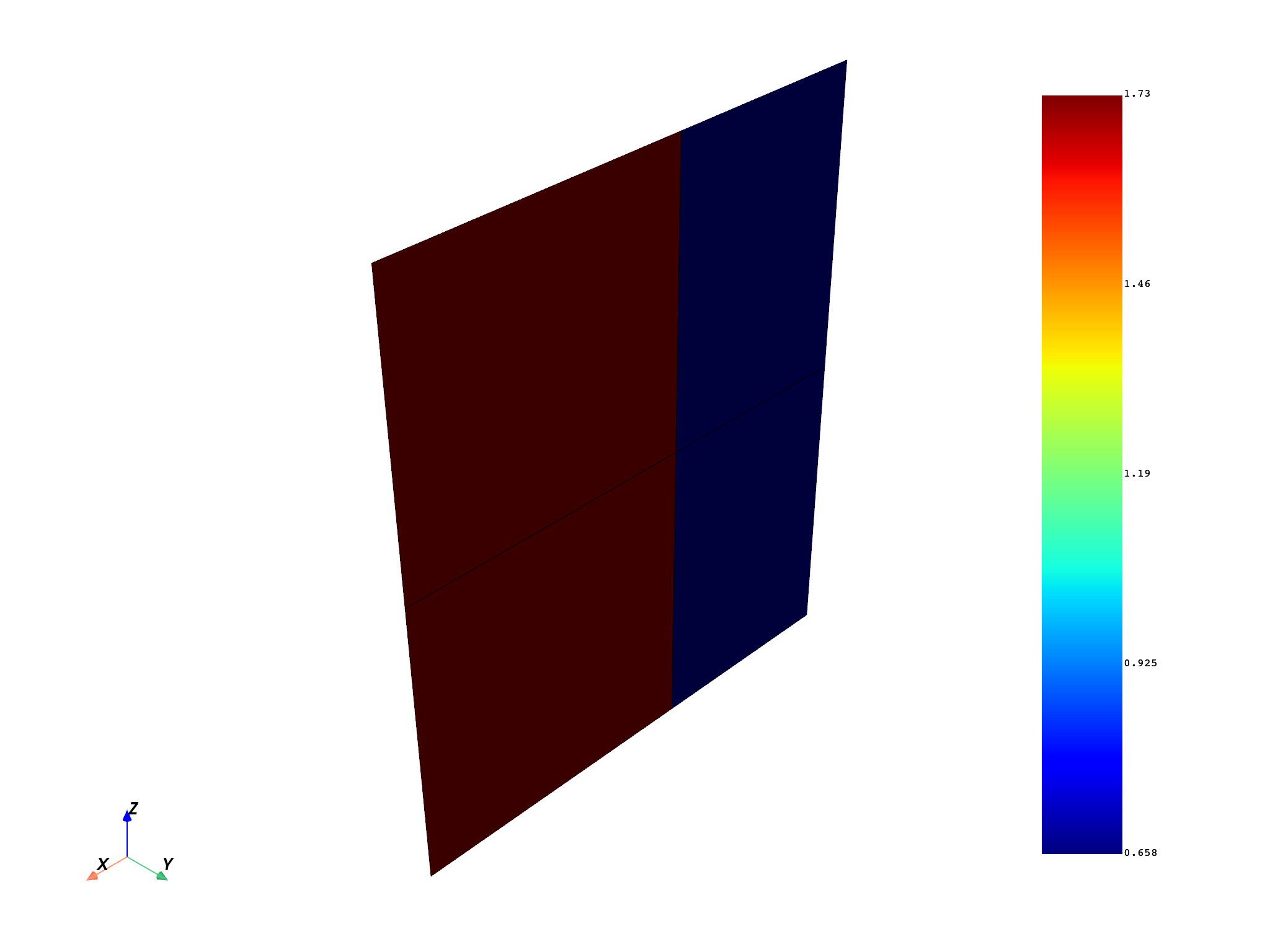
Total strain energy: 4.766827837483155 [mJ]
Compute the ply-wise strain energy#
Select a ply by name and initialize the AnalysisPlyInfoProvider, which provides all information of the selected ply. The strain energy computation is the same as above, just for a single ply.
all_ply_names = get_all_analysis_ply_names(composite_model.get_mesh())
all_ply_names

ply_name = "P1L1__woven_45"
analysis_ply_info_provider = AnalysisPlyInfoProvider(mesh=composite_model.get_mesh(), name=ply_name)

ply_energy_field = dpf.field.Field(location=dpf.locations.elemental, nature=dpf.natures.scalar)
with ply_energy_field.as_local_field() as local_result_field:
    # Loop over all elements of the analysis ply.
    for element_id in analysis_ply_info_provider.property_field.scoping.ids:
        # Get elemental data.
        element_info = composite_model.get_element_info(element_id)
        assert element_info is not None
        layer_index = analysis_ply_info_provider.get_layer_index_by_element_id(element_id)

        elemental_strain_energy = layer_wise_strain_energy(
            element_info,
            layer_index,
            strain_field.get_entity_data_by_id(element_id),
            stress_field.get_entity_data_by_id(element_id),
            composite_model.get_property_for_all_layers(LayerProperty.THICKNESSES, element_id)[
                layer_index
            ],
            area_field.get_entity_data_by_id(element_id)[0],
        )
        local_result_field.append([elemental_strain_energy], element_id)

composite_model.get_mesh().plot(ply_energy_field)
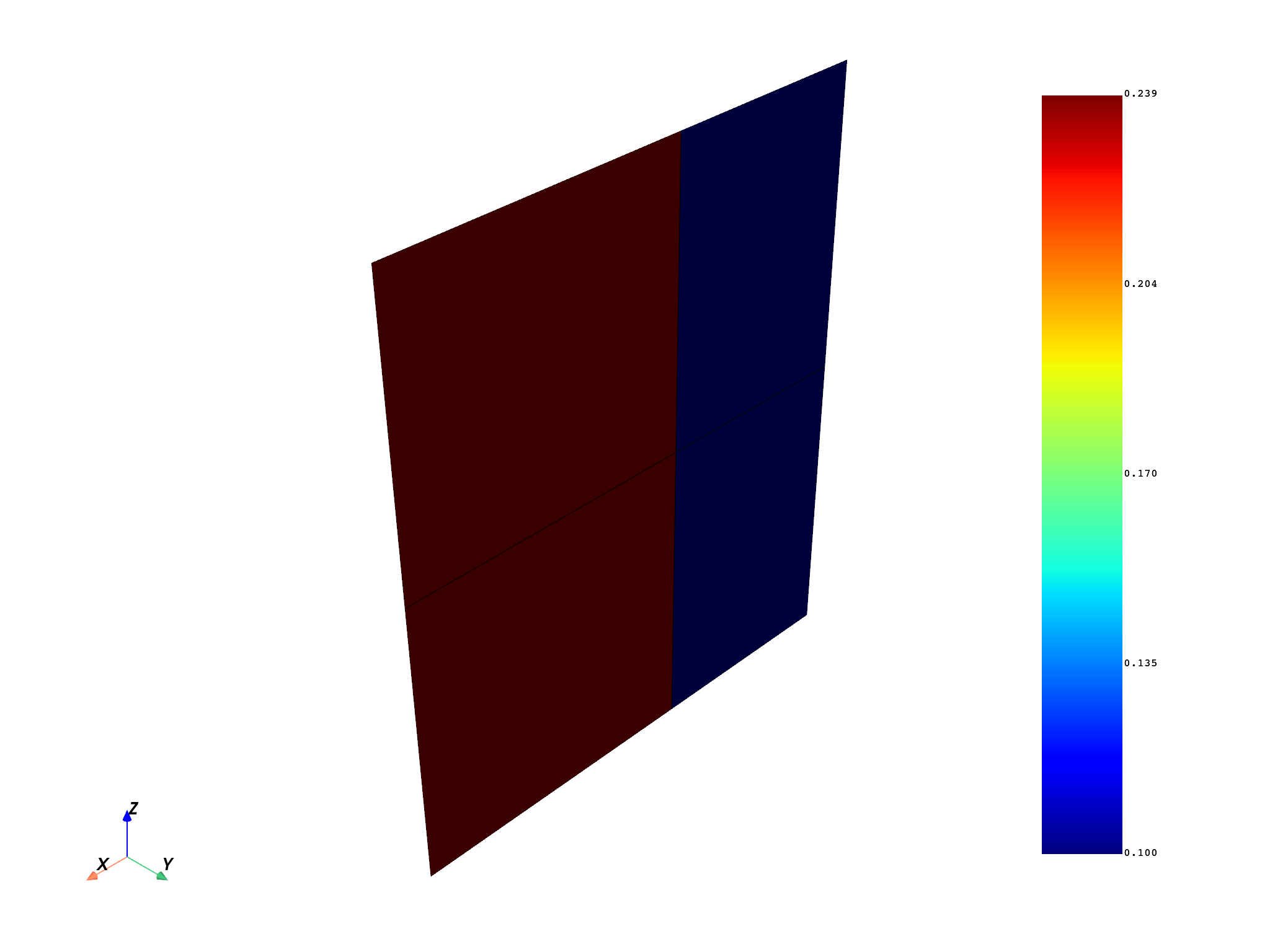
(None, <pyvista.plotting.plotter.Plotter object at 0x7fc850a05450>)
Native DPF operator for strain energy#
Use the native DPF operator for strain energy to compare the results with the custom implementation above. The results differ due to the assumptions described above.
op = dpf.operators.result.stiffness_matrix_energy()  # operator instantiation
op.inputs.data_sources(composite_model.data_sources.result_files)
dpf_strain_energy = op.outputs.fields_container()
dpf_strain_energy[0].plot()
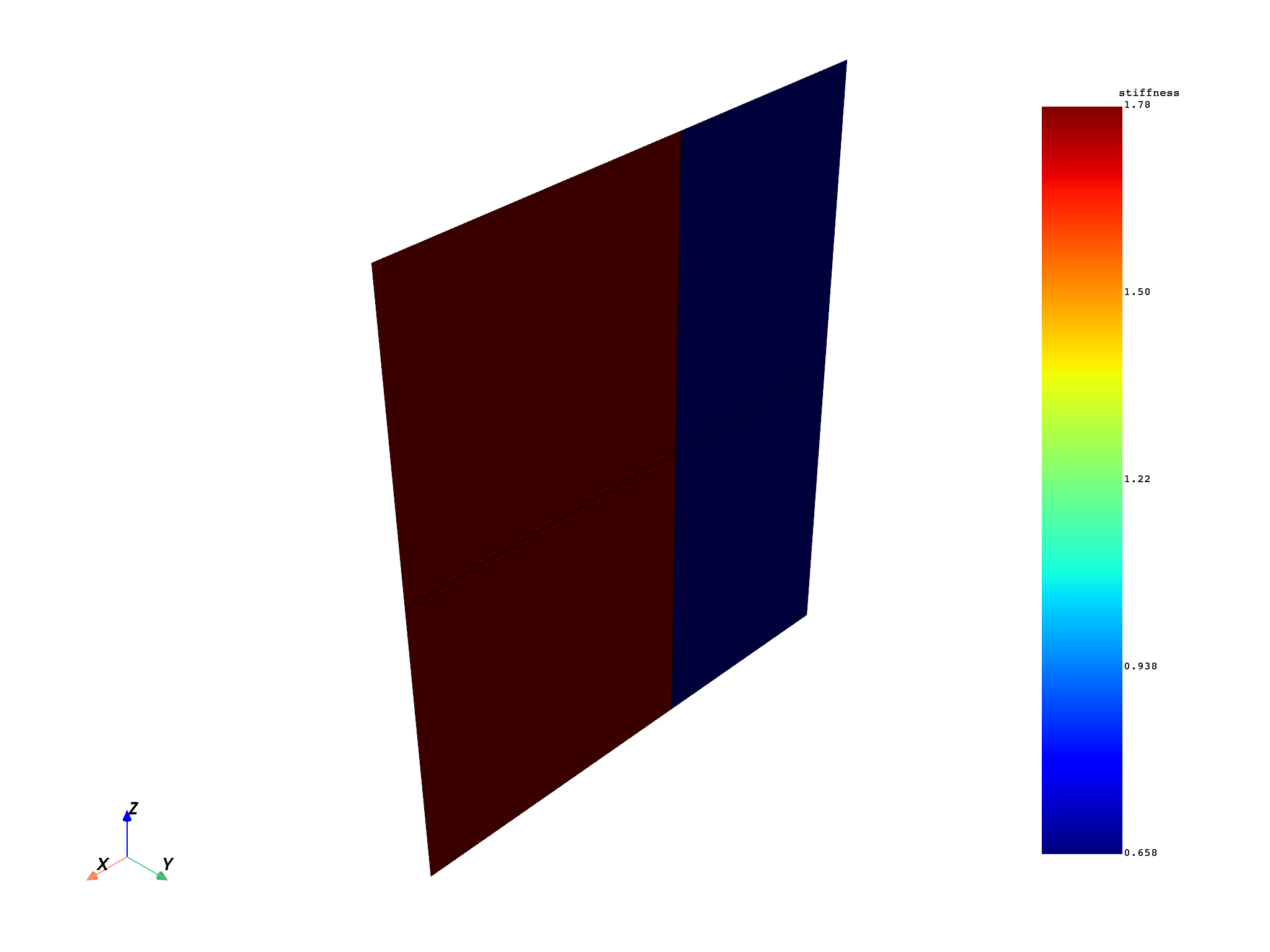
(None, <pyvista.plotting.plotter.Plotter object at 0x7fc850a05950>)
Total running time of the script: (0 minutes 9.745 seconds)